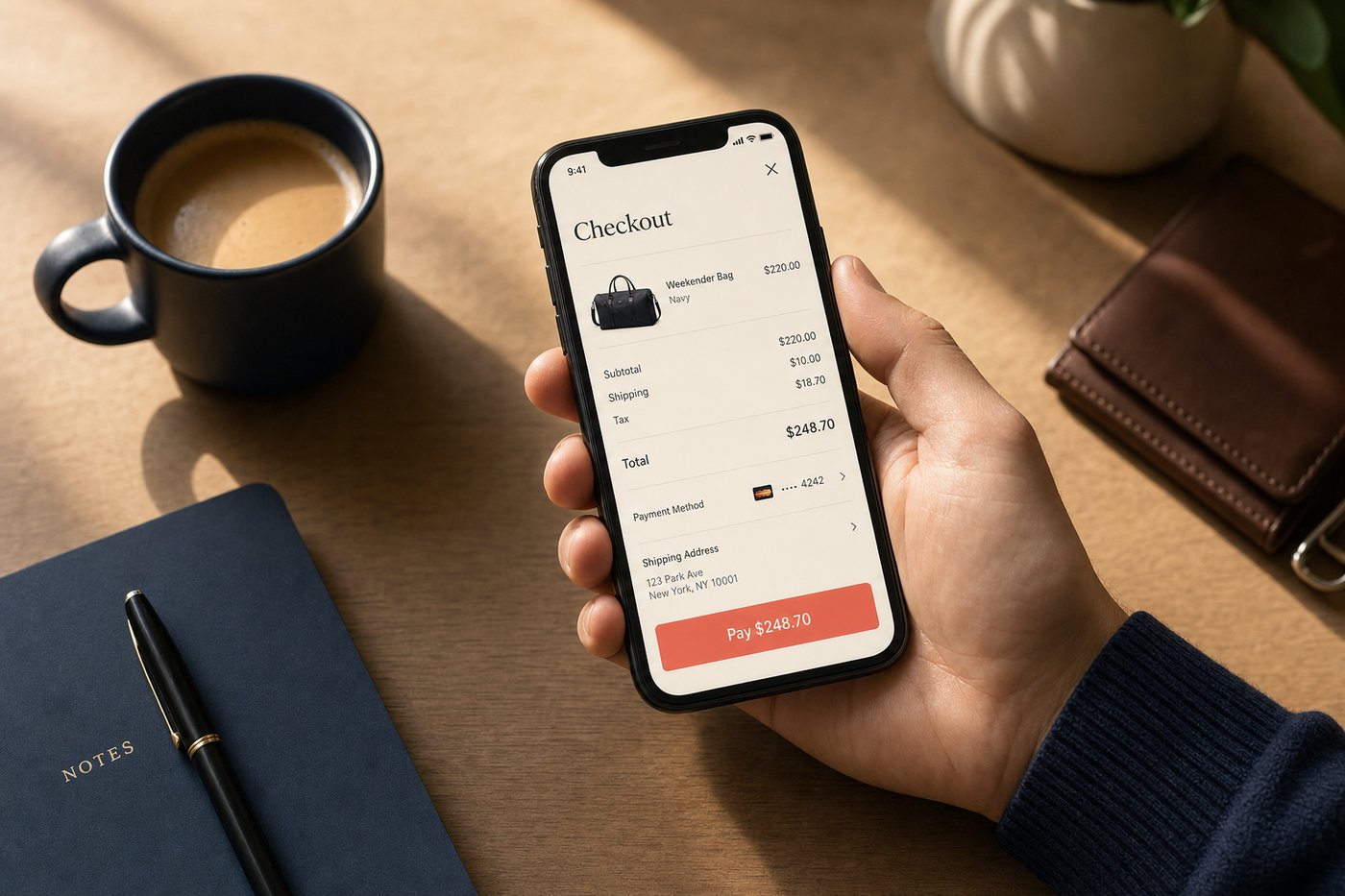
At first glance, Shop Pay and Apple Pay look like they do the same thing: they store your card details, authenticate with your face or fingerprint, and let you complete a purchase without reaching for your wallet. But spend a week using both and the differences become clear. Apple Pay is a hardware-integrated wallet — your payment credentials live in a chip on your iPhone, authenticated by your biometrics, and connected to almost every contactless terminal in the US. Shop Pay is a network-layer checkout accelerator — your credentials live in Shopify's infrastructure, pre-filled at every participating store, and optimized specifically for the online checkout moment. The question isn't which one is better in the abstract. It's which one serves you better in the specific moment you're trying to buy something.
At a glance
- Shop Pay — launched 2017 as Shopify Pay; rebranded 2020; 150 million+ registered users worldwide (2024); accelerated one-tap checkout at millions of Shopify-powered stores; Shop Cash rewards (1% back on eligible purchases); Shop Pay Installments via Affirm (orders $35 to $30,000); universal order tracking across all retailers; carbon-neutral shipping on every order; cross-platform (iPhone, Android, desktop).
- Apple Pay — launched October 20, 2014; accepted at over 85% of US retailers for contactless tap-to-pay; hundreds of millions of users in 78 markets; more than 11,000 bank and network partners; in-store NFC tap, in-app checkout, and Safari web checkout; Apple Watch support; Express Transit mode for card-free subway entry; Face ID, Touch ID, and Optic ID authentication.
- Key difference — Apple Pay works at almost any contactless NFC terminal in the US and online through Apple-integrated merchants; Shop Pay works at Shopify-powered stores (millions of them) and has extended to Facebook, Instagram, and Google. In the contexts where Shop Pay operates, its online checkout experience is measurably faster and more consistent on mobile.
Setup & onboarding
Apple Pay lives in Apple Wallet, which is pre-installed on every iPhone. Adding a card takes two to three minutes: open Wallet, tap the plus, photograph the front of your card (or type the details), and verify through your bank via a one-time code. No separate app download, no new account creation beyond your Apple ID, no password to remember. Face ID or Touch ID handles authentication at every transaction. Apple Watch, iPad, and Mac setups work similarly — each device has its own Wallet setup, and the authentication adapts to the device's hardware. For iPhone users, Apple Pay is the most frictionless payment setup possible: it's essentially already there.
Shop Pay requires creating an account with your email address, adding at least one payment card, and verifying a phone number for two-factor authentication. Setup takes under three minutes and results in an account that stores up to ten cards and twenty shipping addresses for one-tap use across all participating merchants. If you've previously ordered from Shopify-powered stores using that email address, your order history may appear automatically without any import. One meaningful structural advantage: Shop Pay is tied to your email, not your device. It works identically on an Android phone, on a desktop browser, or on a friend's phone. Apple Pay, by contrast, is tied to a specific Apple device — if you switch phones or use a non-Apple device, Apple Pay doesn't come with you.
Speed & checkout experience
Apple Pay in a physical store is as fast as contactless payment gets. Unlock your iPhone, hold it near the terminal, authorize with Face ID — the transaction completes in under a second, often faster than the terminal's own beep confirms it. In iOS apps and on the web through Safari, the experience is nearly as smooth: a native payment sheet slides up from the bottom of the screen, you double-click the side button and authenticate, and the purchase is confirmed without leaving the merchant's page. This level of integration is the product of a decade of hardware-software co-design and has no meaningful competitors for in-store contactless payments.
Shop Pay on mobile is optimized for a different problem: online checkout at Shopify-powered stores. It appears as an inline checkout option — not a button that opens a new page, not a redirect, but an in-page experience that surfaces your pre-filled details and awaits a single authentication. Shopify's data consistently shows Shop Pay converting up to 50% better than standard guest checkout and outperforming other accelerated checkout options, including Apple Pay, by at least 10% in head-to-head tests on Shopify merchants. Business Insider estimated the time savings at approximately 20 seconds per transaction. Sounds small, but in mobile shopping, 20 seconds is the window in which most cart abandonment happens — the moment between committing and completing where friction causes second thoughts. CNET called Shop Pay "a conversion powerhouse" on mobile. For a full technical breakdown of why Shop Pay's checkout architecture achieves these results, see our Shop Pay Checkout Explained guide.
The practical summary: for in-store contactless at any US retailer, Apple Pay is the default and there is no meaningful alternative on iPhone. For online checkout at Shopify-powered stores, Shop Pay is measurably better and the data consistently supports that conclusion.
Security & privacy
Both services use tokenization at the point of transaction — neither sends your actual card number to the merchant. Apple Pay stores a Device Account Number in the iPhone's Secure Element chip, a hardware security component that is physically isolated from the rest of the device's software. Google Pay uses a similar architecture; Shop Pay stores credentials on Shopify's PCI DSS Level 1 compliant servers with end-to-end encryption and two-factor authentication mandatory on every account. In both cases, the merchant receives a transaction token and confirmation, not your card data. A merchant-side breach cannot expose your card details.
The privacy distinction between the two comes down to corporate architecture. Apple explicitly does not store transaction information in a way that enables advertising targeting — Apple's revenue model is device and software sales, not advertising, so there's no incentive to build a transaction history for ad purposes. Shop Pay's data is governed by Shopify's privacy infrastructure, which is narrower than most large advertising platforms, but Shopify does process data related to merchant relationships and aggregate commerce patterns. Neither approach is unsafe. The difference is about what happens to metadata at the network level over time. Our Shop App safety review covers Shopify's security architecture in full. Our mobile wallet security basics guide covers how tokenization protects you in practice.
Costs & fees
Both services are completely free for consumers to use. No transaction fees, no monthly charges, no minimum spending requirements for the core checkout functions. The cards in Apple Wallet carry whatever rewards and fees those underlying cards already have — Apple Pay doesn't add or subtract anything. Apple Cash (the US peer-to-peer money feature) charges a 1.5% fee for instant transfers to a bank account, with a minimum of $0.25; standard transfers are free but take a day or two.
Shop Pay Installments — the BNPL option — is available for orders from $35 to $30,000. Pay in 4 offers four biweekly payments at 0% APR for qualifying purchases. Longer monthly plans range from 0% to 36% APR depending on creditworthiness and plan terms. There are no late fees on the monthly plans. Shop Cash gives 1% back on eligible Shop Pay purchases — Apple Pay has no equivalent rewards program of its own, though the cards you've loaded in Wallet carry whatever rewards those cards normally earn.
Where each one wins
Apple Pay wins on: in-store contactless payments at the 85%+ of US retailers that accept NFC, hardware-based Secure Element security architecture, Express Transit for iPhone-carrying commuters, explicit privacy-first corporate philosophy (no advertising data model), Apple Watch integration for wrist-based payments, and total breadth of payment acceptance both in-person and online across any merchant with Apple Pay integration — not just Shopify stores.
Shop Pay wins on: online checkout speed at Shopify-powered stores (consistently 50% better conversion than guest checkout, 10%+ better than other accelerated checkouts), cross-device flexibility not locked to Apple hardware, Shop Cash rewards on every eligible purchase, Shop Pay Installments with no late fees, carbon-neutral shipping offset on every order, and universal order tracking across all your purchases from any retailer in a single screen. For shoppers who regularly buy online from independent brands, DTC companies, and the millions of stores built on Shopify, Shop Pay's advantages are real and compounding.
Full context in our Shop App review and Apple Pay review. Also compare PayPal vs Shop Pay for a different angle.
Bottom line
For most iPhone users who shop online, the answer is both — and they don't conflict. Apple Pay handles in-store contactless payments and web checkout at the broad universe of non-Shopify merchants. Shop Pay handles Shopify-powered stores with meaningfully faster checkout, a rewards layer, and a tracking view that consolidates all your orders. The overlap is minimal; the combined experience is stronger than either alone.
If forced to pick just one for exclusively online shopping, Shop Pay's checkout performance, platform integration, and built-in rewards make it the stronger daily-use choice for the specific contexts where it operates. If you shop at physical retail frequently, Apple Pay is non-negotiable and Shop Pay doesn't replace it. These tools cover different terrain. Our guide to how mobile checkout works explains the underlying technology that separates modern accelerated checkout from standard card payments.