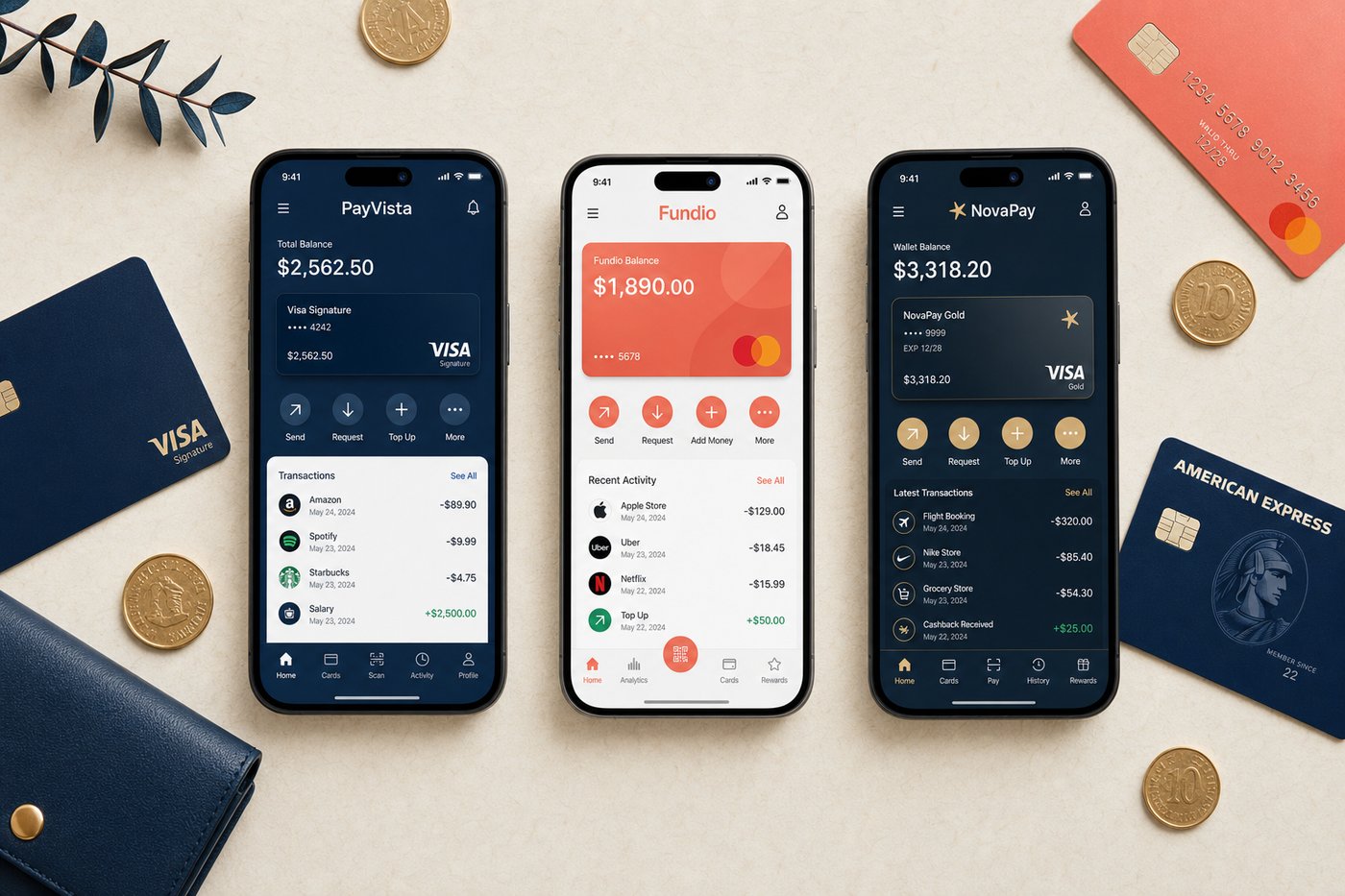
Walk into any US grocery store, tap your phone at the terminal, and you're done in under a second. Whether that tap came from Apple Pay or Google Wallet, the merchant saw the same contactless signal — but the two experiences getting there are shaped by very different design philosophies, hardware ecosystems, and corporate priorities. For most American shoppers, choosing between them comes down to one prior decision made years earlier: iPhone or Android. But the comparison is worth understanding in detail, particularly if you're deciding between platforms, managing a household with mixed devices, or simply want to know what your current wallet actually offers.
At a glance
- Apple Pay — launched October 20, 2014; available on iPhone, Apple Watch, iPad, and Mac; accepted at over 85% of US retailers; used by hundreds of millions of consumers in 78 markets; more than 11,000 bank and network partners worldwide; supported by Face ID, Touch ID, Optic ID, and Apple Watch authentication.
- Google Wallet — current unified app launched 2022 (Google's digital wallet history traces to 2011, with Google Pay as a branded product from 2015/2018); Android-first; accepted at contactless NFC terminals globally; Statista estimates Google Pay acceptance in 163+ countries for online payments; also stores IDs, boarding passes, transit passes, loyalty cards, event tickets, and car keys in addition to payment cards.
- Key difference — Apple Pay is tightly woven into the Apple hardware and software stack and optimized for a payment-first experience; Google Wallet stores a broader range of digital documents and credentials, functioning more as a general-purpose digital wallet that payments are one part of.
Setup & onboarding
Setting up Apple Pay takes two to three minutes on an iPhone: open Settings, tap Wallet & Apple Pay, add a card by scanning it or entering details manually, and verify through your bank via a text or call. The card is immediately available for Face ID or Touch ID transactions. Apple Watch, iPad, and Mac setups follow similar guided flows, and each device has its own Device Account Number stored in the hardware's Secure Element chip. There is nothing to download separately — Wallet ships pre-installed on every iPhone. For iPhone users, the onboarding experience is nearly invisible, which is intentional.
Google Wallet requires the Google Wallet app, which is pre-installed on most modern Android devices. Adding a card follows a similar process: open the app, tap the plus icon, scan or type card details, and verify with your bank. The experience is clean and quick. Some Android manufacturers apply their own UI skins or payment apps on top of the base Android experience, which can create minor inconsistencies across device brands and versions. Once set up, tap-to-pay via NFC works at the same contactless terminals that accept Apple Pay — the payment infrastructure is shared at the merchant's terminal level.
Neither service requires a subscription, a monthly fee, or any minimum spending threshold. Both work with the vast majority of US debit and credit card networks. Setup costs: zero. Ongoing costs: zero.
Speed & checkout experience
At a physical NFC terminal, Apple Pay and Google Wallet are effectively equal in speed. Both complete contactless transactions in under a second. Biometric authentication — Face ID for Apple Pay, fingerprint for most Google Wallet setups — is nearly instantaneous in normal conditions. Holding your phone to the terminal and seeing the confirmation tick appear feels identical with both services. In-person, the perceptible difference is essentially zero.
Online and in-app checkout is where the divergence becomes more noticeable. Apple Pay in Safari and iOS apps is deeply integrated through the platform's native payment APIs. A payment sheet slides up from the bottom of the screen without leaving the merchant's page, you authenticate with Face ID, and the transaction is confirmed. The experience is consistently smooth across Apple-integrated merchants and rarely varies. Google Pay and Wallet in Chrome and Android apps works well on properly integrated merchant sites, but implementation quality can vary more across the Android ecosystem — some merchants' Google Pay buttons are more polished than others.
Apple Pay's Express Transit feature is worth highlighting for urban commuters: supported transit systems allow you to tap through the turnstile without unlocking or authenticating your phone. The card simply needs to be set as your Express Transit card in Wallet. This is a genuine daily-use convenience in cities like New York, Chicago, and Boston where Apple Pay transit is supported. Google Wallet's transit support is similarly broad, though the Express Mode implementation varies by system.
Statista survey data from the December 2023 to December 2024 period found Apple Pay adoption among US mobile payment users at approximately 54% for in-store use and 33% for online payments, with Google Pay at roughly 30% for both categories. Apple Pay's US adoption lead reflects the higher iPhone market share in the US market and the depth of its system integration, not a meaningful difference in merchant acceptance at the terminal level.
Security & privacy
Both services use tokenization — neither sends your actual card number to merchants when you pay. Apple Pay assigns each card a unique Device Account Number stored in the iPhone's Secure Element chip; this number is specific to your device and cannot be used by a merchant to charge you separately. Google Wallet uses a virtual account number layer to similarly shield your real card data from merchants. Both require biometric or passcode authentication for every transaction, and both support real-time transaction notifications through the respective bank or card issuer.
The privacy distinction between the two is more about corporate philosophy than technical architecture. Apple explicitly states that it does not store transaction data in a way that enables advertising targeting — Apple's business model is device and service revenue, not advertising. Google, whose primary revenue comes from advertising, processes payment and related data within a broader data ecosystem. Google does publish policies clarifying that payment data is handled separately from ad targeting, but the structural reality of being an advertising company means the data environment is different. Neither approach makes your transactions unsafe. The difference is about what happens to behavioral data over time. Our shopping app privacy guide covers these distinctions in more depth, and our biometric payments explainer covers how biometric authentication specifically protects your transactions.
Costs & fees
Both Apple Pay and Google Wallet are free for consumers. There are no transaction fees layered on top of the standard interchange fees your card already carries, no monthly charges, and no minimum spending thresholds. The mobile wallet layer is cost-neutral for consumers — merchants absorb the same interchange they would for any card-present transaction.
Apple Cash, the US-only peer-to-peer money transfer feature within Apple Wallet, charges a 1.5% fee for instant transfers to an external bank account, with a minimum of $0.25. Standard transfers to a bank account take one to three business days and are free. Google Wallet's peer-to-peer features (via Google Pay) also carry fees for some instant transfer options depending on the linked funding source. These fees apply only to money movement, not to standard purchase transactions.
Where each one wins
Apple Pay wins on: deep iOS and macOS integration that makes it the default no-friction option for iPhone users, consistency of experience across Apple device ecosystem, Express Transit for commuters, privacy-first corporate philosophy with explicitly stated non-advertising data use, and US market adoption breadth that ensures acceptance is reliable at most US merchants.
Google Wallet wins on: breadth of what it stores — digital IDs, state-issued driver's licenses in supported states, loyalty cards, boarding passes, transit passes, event tickets, and car keys alongside payment cards. Google Wallet is genuinely closer to a full digital wallet in the literal sense, not just a payment card holder. For Android users who want a single app to carry everything they might otherwise dig through a physical wallet to find, Google Wallet's breadth is a meaningful advantage. Cross-platform flexibility is also stronger on Android, where the ecosystem is less locked to a single hardware manufacturer.
Read our individual breakdowns in the Apple Pay review and the Google Wallet review. For security considerations that apply to both, see our mobile wallet security basics guide.
Bottom line
For iPhone users, Apple Pay is the obvious choice — it's pre-installed, deeply integrated into the operating system, consistently fast, and carries a privacy philosophy that aligns with Apple's broader brand. For Android users, Google Wallet is equally obvious — it's the native tap-to-pay solution for the platform, and the broader document storage is a genuine differentiator. The real comparison only matters if you're at a platform crossroads, managing a household with mixed devices, or trying to understand which service offers more in absolute terms.
In that broader assessment: Apple Pay has the edge in payment-specific polish and US market adoption. Google Wallet has the edge in the scope of what it manages beyond payments. Both are among the most secure ways to pay at a physical terminal or in an app — the differences are about experience, ecosystem fit, and what you want your digital wallet to actually carry. See our editors' ranked picks in the best mobile wallets in the USA.