PayPal is one of the oldest names in digital payments — a company that has been helping people check out online since 1998, when online shopping itself was new and paying securely on a website required trusting a stranger with your card number. PayPal solved that problem and built a network of trust that now spans 434 million active accounts and approximately 200 markets. Shop Pay is younger, narrower, and built for a very specific problem: making mobile checkout at independent online stores as fast and painless as possible. Both are checkout tools. But they were built with different philosophies for different eras, and the experience of using them on your phone in 2026 reflects that distance in age and intent.
At a glance
- PayPal — founded 1998; 434 million active accounts at end of FY2024 (up 2.1% year over year); $1.68 trillion in total payment volume in FY2024; 26.3 billion transactions in FY2024; operates in approximately 200 markets; peer-to-peer payments, bill pay, in-store QR code payments, online checkout, business invoicing, and savings tools all in one app.
- Shop Pay — launched 2017 as Shopify Pay; rebranded 2020; 150 million+ registered users worldwide as of 2024; accelerated one-tap checkout for millions of Shopify-powered merchants; Shop Cash rewards (1% back on eligible purchases); Shop Pay Installments via Affirm; universal order tracking;
- Key difference — PayPal is a broad-purpose payments platform that spans consumer, merchant, and P2P use cases across a global network; Shop Pay is a purpose-built checkout accelerator optimized for speed and conversion at Shopify-powered stores, with a narrower but cleaner feature set.
Setup & onboarding
PayPal accounts are easy to create and are already familiar to most US adults — the company has been a standard part of online shopping for over two decades. Most shoppers who've bought anything online in the past decade have a PayPal account, whether they use it regularly or not. The app itself is dense with features: the home screen surfaces recent activity, peer-to-peer transfer tools, rewards, a bill pay section, a business payments option, savings account integration, and more. For shoppers who primarily want a checkout tool, this breadth can feel like visual noise. PayPal is trying to be a financial app for many contexts simultaneously, and the complexity shows.
Shop Pay setup is leaner by design. You enter your email address, add a payment card, confirm a phone number for two-factor authentication, and your account is ready. Because Shop Pay is tied to Shopify's merchant network, orders you've already placed at Shopify-powered stores may appear automatically in your tracking view. The app's primary screens stay focused: checkout, order tracking, and brand discovery. There is no P2P money transfer, no bill pay, no investment or savings feature. That restraint is intentional — Shop Pay is designed to do a small number of things well, not to be a general-purpose financial app.
Speed & checkout experience
This is where the gap between the two tools becomes most visible, and most consequential. PayPal checkout on most merchant sites involves a redirect: you tap the PayPal button, leave the merchant's page, authenticate within PayPal's own interface, and return to the merchant to see your order confirmation. On desktop, this round-trip is manageable. On mobile, it adds multiple seconds, breaks the visual continuity of the purchase flow, and creates a moment of friction that can result in dropped sessions — particularly on slower connections or when shoppers are already uncertain about a purchase. PayPal has been improving the in-line experience through its "Fast Lane" technology for eligible merchants, but the redirect model is still the common experience across much of the web.
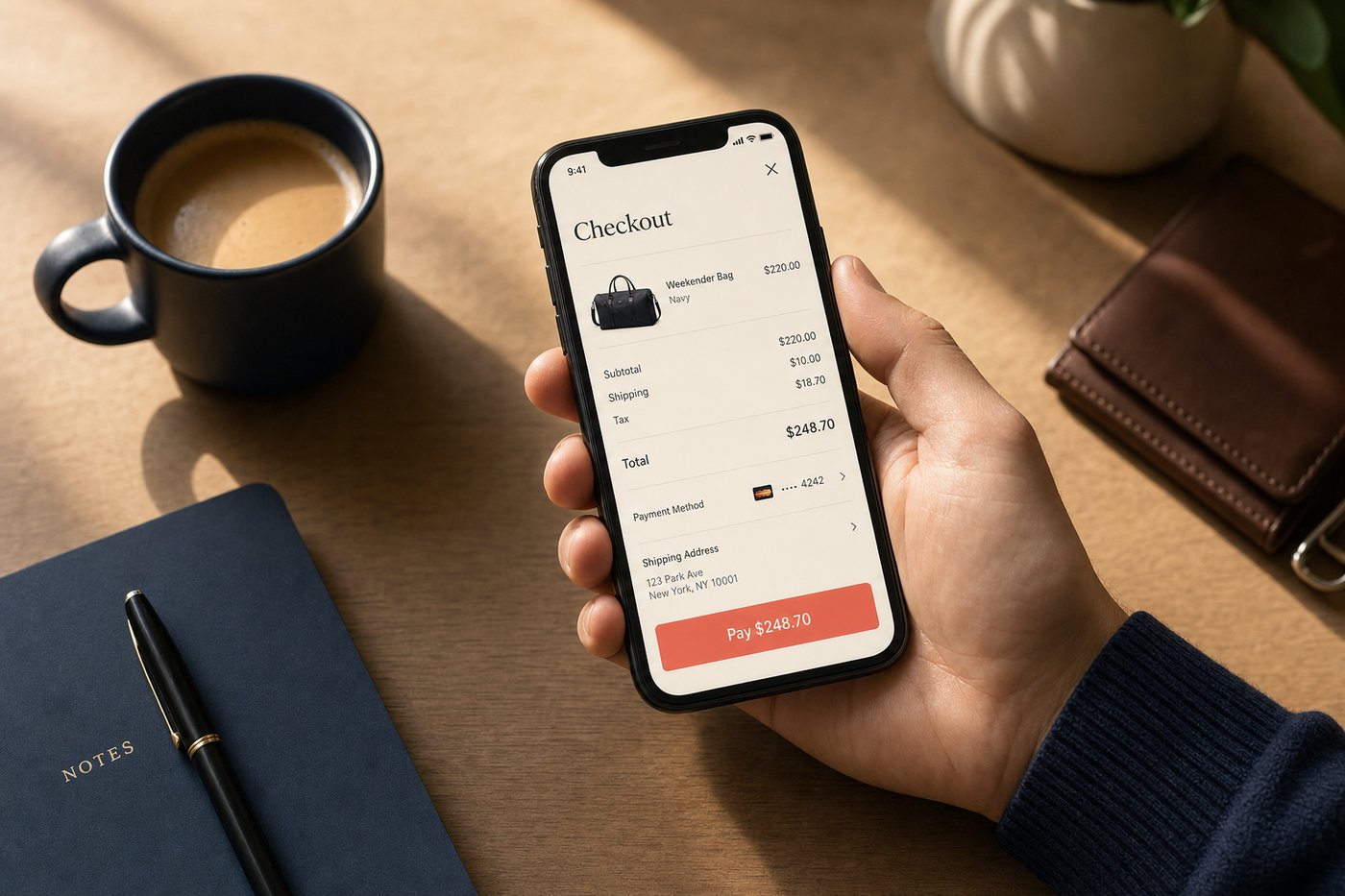
Shop Pay stays within the merchant's experience entirely. The checkout sheet appears inline, pre-filled with your shipping address and payment method, and a single biometric authentication (Face ID, fingerprint, or passcode) completes the purchase. Shopify's own performance data shows Shop Pay converting up to 50% better than standard guest checkout flows, and outperforming other accelerated checkout options — including PayPal — by at least 10% on Shopify-powered stores. Business Insider estimated that Shop Pay saves approximately 20 seconds per transaction. That sounds modest, but on mobile, 20 seconds is the window in which second thoughts happen and carts get abandoned. CNET described Shop Pay as "a conversion powerhouse" for exactly this reason. Our in-depth explainer at Shop Pay Checkout Explained covers the mechanics in full detail.
Security & privacy
Both services encrypt stored payment data and require two-factor authentication for account access. Neither transmits your raw card number to merchants in a standard transaction. PayPal routes transactions through its own payment rails, shielding your card from the merchant's systems. Shop Pay uses tokenized transactions on Shopify's PCI DSS Level 1 compliant infrastructure, achieving the same protection through a different mechanism.
PayPal offers Purchase Protection for eligible goods and services transactions — a formal dispute resolution process and potential reimbursement if items don't arrive or don't match their description. This buyer protection layer is particularly valuable when transacting with individual sellers, small merchants, or unfamiliar stores. For marketplace-style purchases or any transaction where the merchant's reliability is uncertain, PayPal's protection is a meaningful safety net.
Shop Pay's consumer protections operate primarily at the Shopify store level — disputes go through the merchant and Shopify's infrastructure. For established Shopify stores from known brands, this works well. For first-time purchases from an unfamiliar store, PayPal's explicit third-party guarantee may provide more visible recourse. Read our full security analysis in the Shop App safety overview.
Costs & fees
PayPal is free for standard consumer purchases funded by a linked bank account or PayPal balance. Using a credit card as the funding source within PayPal may carry a 2.9% + $0.30 fee on the consumer side in some contexts. Sending money to friends via PayPal from a bank balance is free; instant transfers to a bank account carry a 1.75% fee (minimum $0.25, maximum $25). Standard bank transfers are free but take one to three business days. Merchants pay transaction fees on goods and services payments.
Shop Pay is completely free for shoppers. Shop Pay Installments, available for eligible orders from $35 to $30,000, offers 0% APR on the Pay in 4 plan, with longer-term monthly plans ranging from 0% to 36% APR depending on creditworthiness. Shop Cash gives 1% back on eligible purchases, redeemable at participating stores — a modest but consistent return that accumulates meaningfully for regular shoppers.
Where each one wins
PayPal wins on: universal merchant acceptance across approximately 200 markets and a broader range of seller types (including individual sellers, non-Shopify stores, and eBay-style marketplace transactions), Purchase Protection as an explicit consumer safety layer, peer-to-peer payment flexibility for sending money to people, and the brand trust that comes from decades of market presence that many shoppers find reassuring when trying an unfamiliar store.
Shop Pay wins on: raw mobile checkout speed (measurably faster, in-page, no redirect), conversion performance at Shopify-powered stores, Shop Cash rewards, carbon-neutral shipping offsets on every order, Shop Pay Installments without a separate app, and the universal order tracking that covers purchases from any retailer. For regular shoppers at the millions of independent brands and DTC retailers built on Shopify, Shop Pay's checkout experience is consistently faster and more pleasant than any alternative.
Full reviews of each service are at our PayPal review and Shop App review. Also compare Shop Pay vs Apple Pay if you're deciding between accelerated checkout options on iPhone.
Rewards & post-purchase experience
PayPal's rewards program has evolved over the years and now offers PayPal Rewards — cash back offers at participating merchants that appear in the app's home screen and can be activated before checkout. The rewards are merchant-specific and vary in value, requiring some active management to capture. PayPal also integrates with many card-linked rewards programs, though it doesn't offer a universal cashback rate on all purchases through the platform.
Shop Pay's rewards model is simpler and automatic: every eligible Shop Pay purchase earns 1% back in Shop Cash, credited to your account with no activation required. Shop Cash is redeemable at participating Shopify-powered stores, and the 1% return compounds meaningfully for regular online shoppers. The app's order tracking view — which consolidates all your purchases across any retailer, not just Shopify stores — is also a post-purchase feature that PayPal doesn't replicate. For shoppers who find managing delivery tracking across multiple email threads frustrating, Shop's unified tracking screen is a practical improvement. Carbon-neutral shipping offsets on every Shop Pay order are included automatically, without any opt-in or additional cost — a differentiator that reflects the Shopify platform's sustainability commitments and that some shoppers find genuinely meaningful.
Bottom line
PayPal is the more versatile platform — it covers more use cases, more merchant types, more countries, and carries a Purchase Protection layer that is valuable for higher-uncertainty transactions. Shop Pay is the better pure mobile checkout experience for Shopify-powered stores: faster, cleaner, with a rewards layer built in and no redirect. Many shoppers use both: PayPal for marketplace purchases, individual sellers, and P2P payments; Shop Pay for independent brand and DTC purchases. If you had to pick one for mobile shopping speed and experience at online stores, Shop Pay's advantage in the contexts where it operates is clear and consistent. Our mobile checkout guide explains the mechanics behind why accelerated checkout tools differ so much in practice.